


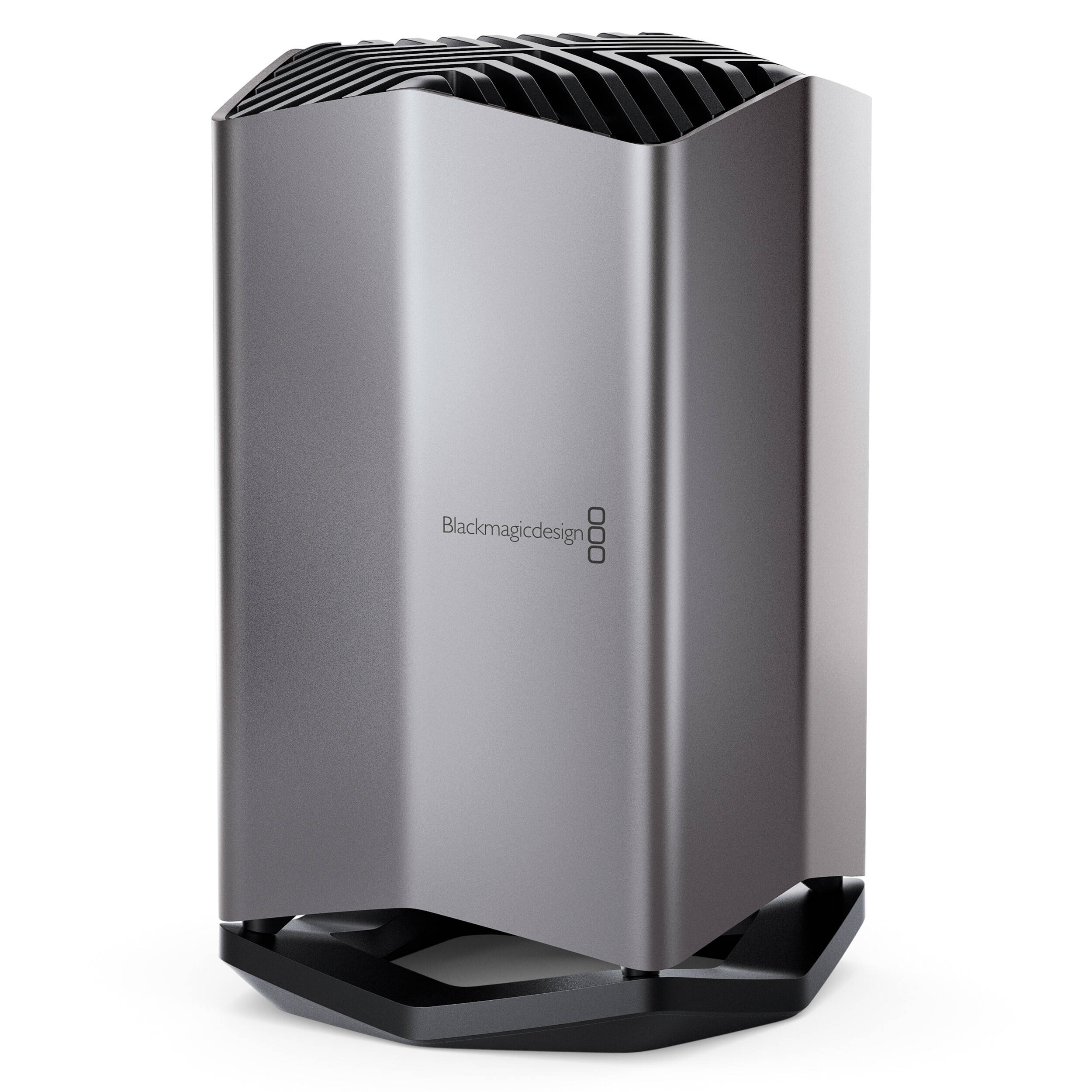
Blackmagic Design DWCLDI/CLD080 80TB Cloud Store
€ 14.155,00 + VAT
- 80TB NVMe M.2 Flash Storage
- Configured as RAID 5
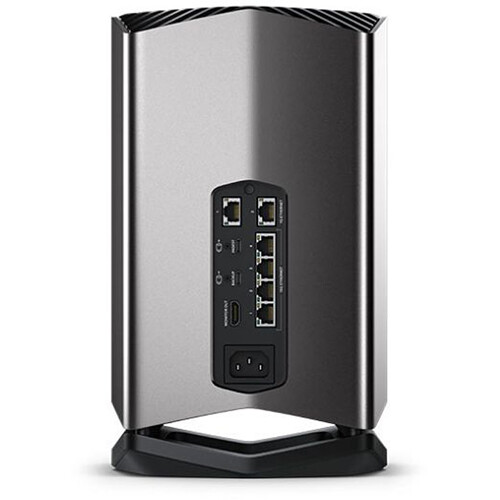
- 4 x 10Gb Ethernet Ports and Switch
- 2 x Gigabit Ethernet Ports
- 2 x USB Type-C Ports for Ingest & Backup
- USB Type-C Ports Also Support Ethernet
- HDMI Monitoring Output for Status
- Dropbox Sync Support
- Software Utility for Windows and Mac
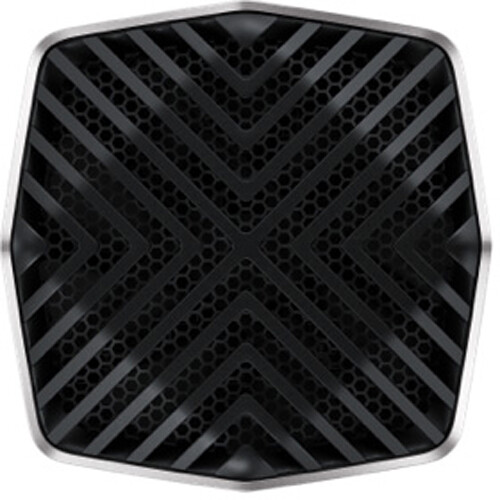
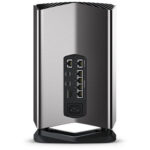
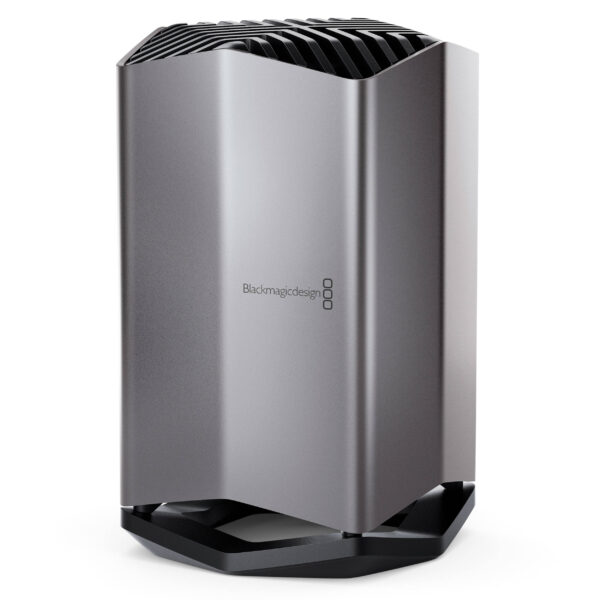
Designed for feature film productions, where large media files need to be shared between multiple users, the 80TB Cloud Store from Blackmagic Design is well suited for editing, color correction, audio, post, and VFX work. It has a capacity of 80TB, which is made up of multiple NVMe M.2 SSDs, which are preconfigured as RAID 5 and able to handle 12K Blackmagic raw digital cinema files. The Cloud Store is also equipped with four 10GbE ports, which can also function as a network switch, plus two Gigabit Ethernet ports. There are also two 5 Gb/s USB Type-C ports, one of which ingests content from an external drive, while the other backs up cloud data to a USB drive. Both USB Type-C ports also support Ethernet connectivity and an HDMI output that lets you keep track of your Cloud Store’s status, including a storage map, speed graphics, sync, active users, and power status.
USB Type-C Ingest
The USB Type-C ingest port will automatically load from any disk plugged in. It’s fully automatic and you simply plug in a USB media dock or a USB disk. Ethernet-over-USB is also supported on this port.
USB Type-C Backup
This USB Type-C port will automatically backup cloud store files to any USB disk plugged into the port. It’s a low cost way to protect your critical files. Ethernet-over-USB is also supported on this port.
HDMI Monitor Output
The HDMI monitor output lets you see the status of your Cloud Store in real time. Simply plug in a TV or monitor and you’ll be able to see a storage map, speed graphics, active users, and power status.
1G Ethernet
The two 1G Ethernet connections are provided for slower connections, such as the internet or slower computers. They are part of the built- in Ethernet switch and help keep the faster 10G ports free.
10G Ethernet
The 10G Ethernet ports allow four separate computers to be connected. That’s great for mobile use, as the 10G Ethernet switch is built in. Plus, all four connections can work together as a 40G Ethernet link.
AC Power
A standard IEC power socket is used for connecting AC power. All international AC voltages are supported, so you can use it globally. Plus, there are two internal power supplies allowing full redundancy.
Usage Indicator
On the top left, you can see the storage capacity indicator. The number on the left is the space used and the number on the right is the total USB Type-C disk capacity connected to the Blackmagic Cloud Store.
Cloud Store Name
You can give a custom name to the Blackmagic Cloud Store so you can identify it on the monitor display and the utility software. To change the name, just use the Blackmagic Cloud Store utility.
Storage Map
The storage map display shows a view of the two USB Type-C disks. The memory is divided into segments with reads in cyan and writes in orange. The display will automatically adapt when disks are connected.
Cloud Sync Status
The cloud sync status shows each sync folder and its transfers to and from Dropbox. When new files appear in any sync folder, you can see the transfer status as they sync.
User Connections
You can see each of the connected users and the data transfers for each. However, this list will move down if you have more cloud sync folders, as the sync folder status is more important.
Cloud Store Status
You also get hardware status on the lower left side of the display. This includes the cell size for the storage map and the status of the USB Type-C ports and each disk that is currently connected.
Speed Graphs
The lower part of the display has the data-transfer speed graph. It shows recent read and write speeds for the 10G Ethernet connection. It’s great for diagnosing the Ethernet speed on the port.
| Weight | 7850 g |
|---|


MAECENAS IACULIS
Vestibulum curae torquent diam diam commodo parturient penatibus nunc dui adipiscing convallis bulum parturient suspendisse parturient a.Parturient in parturient scelerisque nibh lectus quam a natoque adipiscing a vestibulum hendrerit et pharetra fames nunc natoque dui.
ADIPISCING CONVALLIS BULUM
- Vestibulum penatibus nunc dui adipiscing convallis bulum parturient suspendisse.
- Abitur parturient praesent lectus quam a natoque adipiscing a vestibulum hendre.
- Diam parturient dictumst parturient scelerisque nibh lectus.
Scelerisque adipiscing bibendum sem vestibulum et in a a a purus lectus faucibus lobortis tincidunt purus lectus nisl class eros.Condimentum a et ullamcorper dictumst mus et tristique elementum nam inceptos hac parturient scelerisque vestibulum amet elit ut volutpat.
Related products

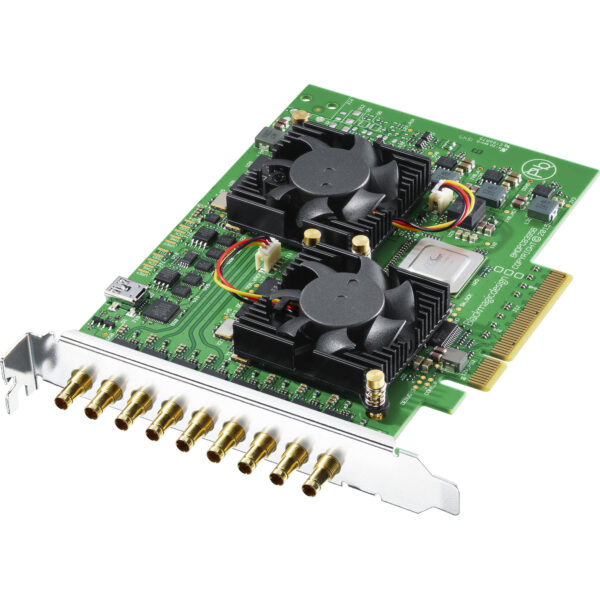
Blackmagic Design BDLKDVQD2 DeckLink Quad 2 8-Channel 3G-SDI Capture & Playback Card
- 8 x Bidirectional SD/HD/3G-SDI
- 8-Lane PCIe Interface
- Resolutions up to 1080p60
- DIN (Mini-BNC) Connectors
- Inputs/Outputs Independently Switchable
- Supports Uncompressed RGB 4:4:4 Signals
- Supports 16 Channels of Embedded Audio
- Reference In, Up/Down/Cross Conversions
- Media Express Application Included
- macOS, Windows, and Linux Compatible


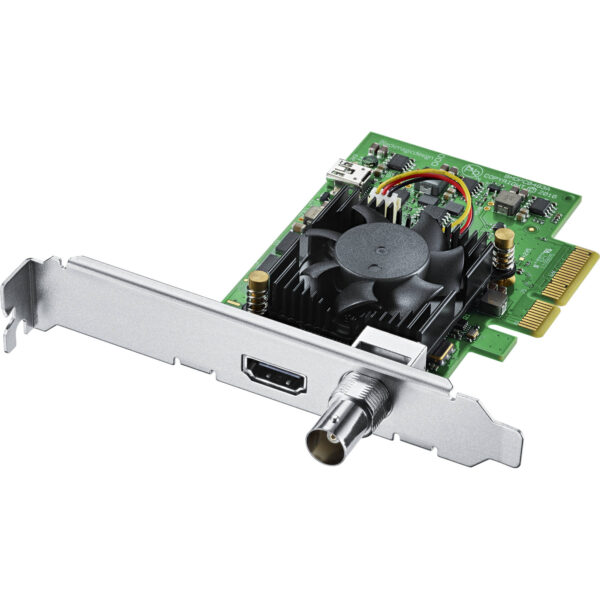


Blackmagic Design BDLKULSDMINI4K UltraStudio 4K Mini Thunderbolt 3 Capture & Playback Unit
- 12G-SDI & HDMI 2.0 Input/Output
- 1 x 40 Gb/s Thunderbolt 3 Interface
- 3" LCD Status/Preview Screen
- DCI 4K60 4:2:2 Single-Link 12G-SDI I/O
- DCI 4K30 4:4:4 Single-Link 12G-SDI I/O
- DCI4K60 4:4:4 via HDMI
- 8-, 10- & 12-Bit Processing
- 2K/HD/SD via SDI or HDMI
- RS-422 Deck Control
- macOS, Windows & Linux Compatible







Reviews
There are no reviews yet.