




Blackmagic Design DV/RES/BBPNLMINI DaVinci Resolve Mini Panel with Resolve Studio Software
€ 1.915,00 + VAT
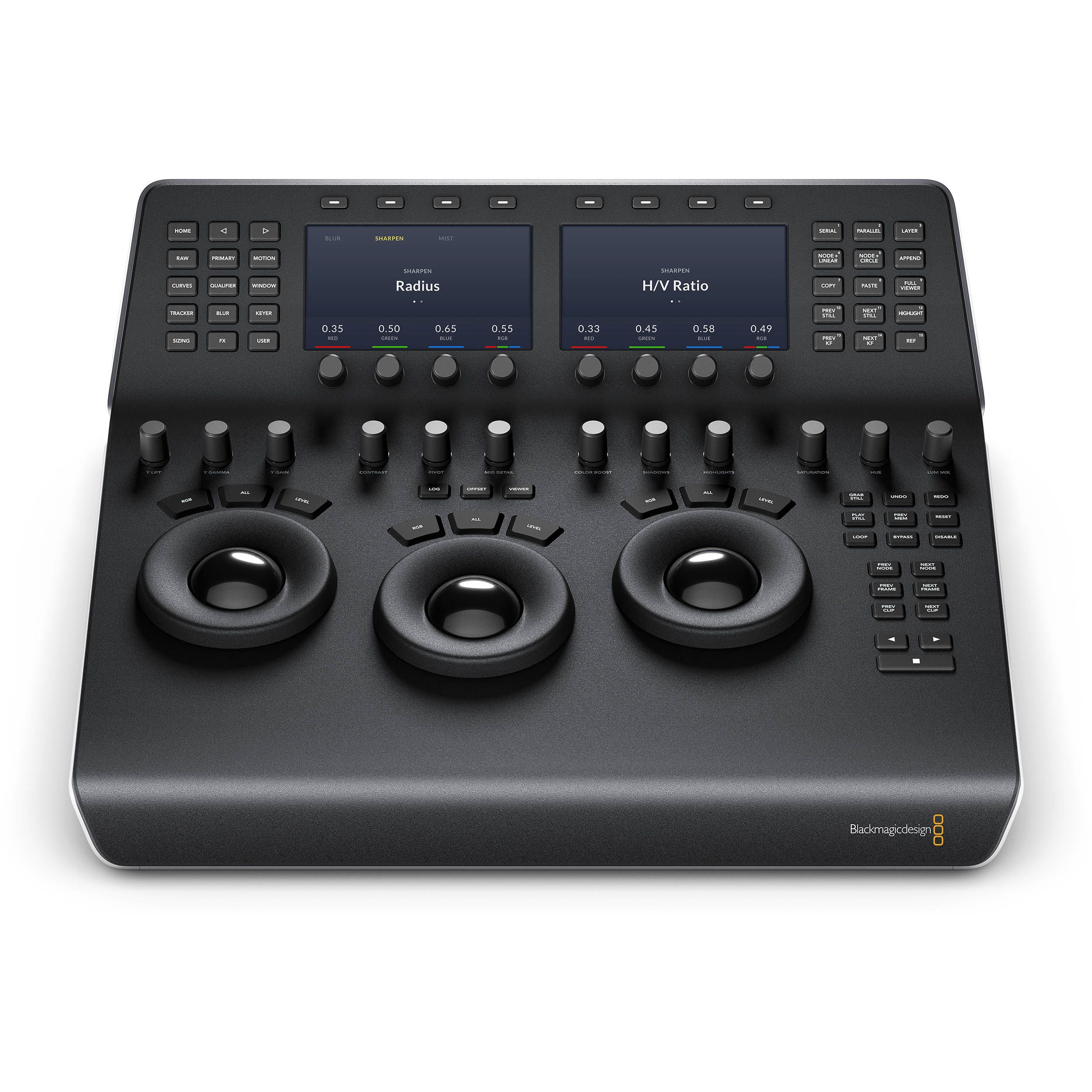
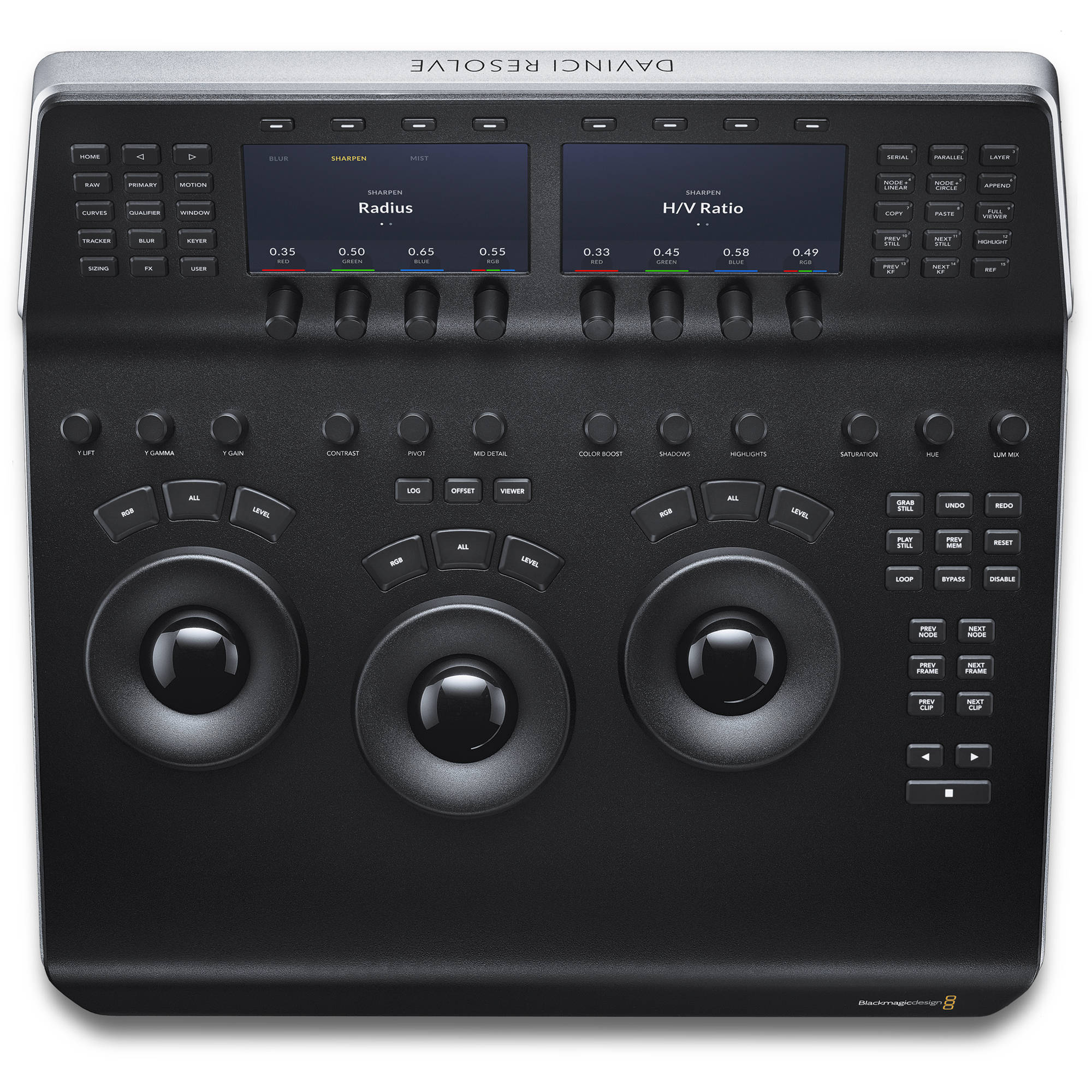
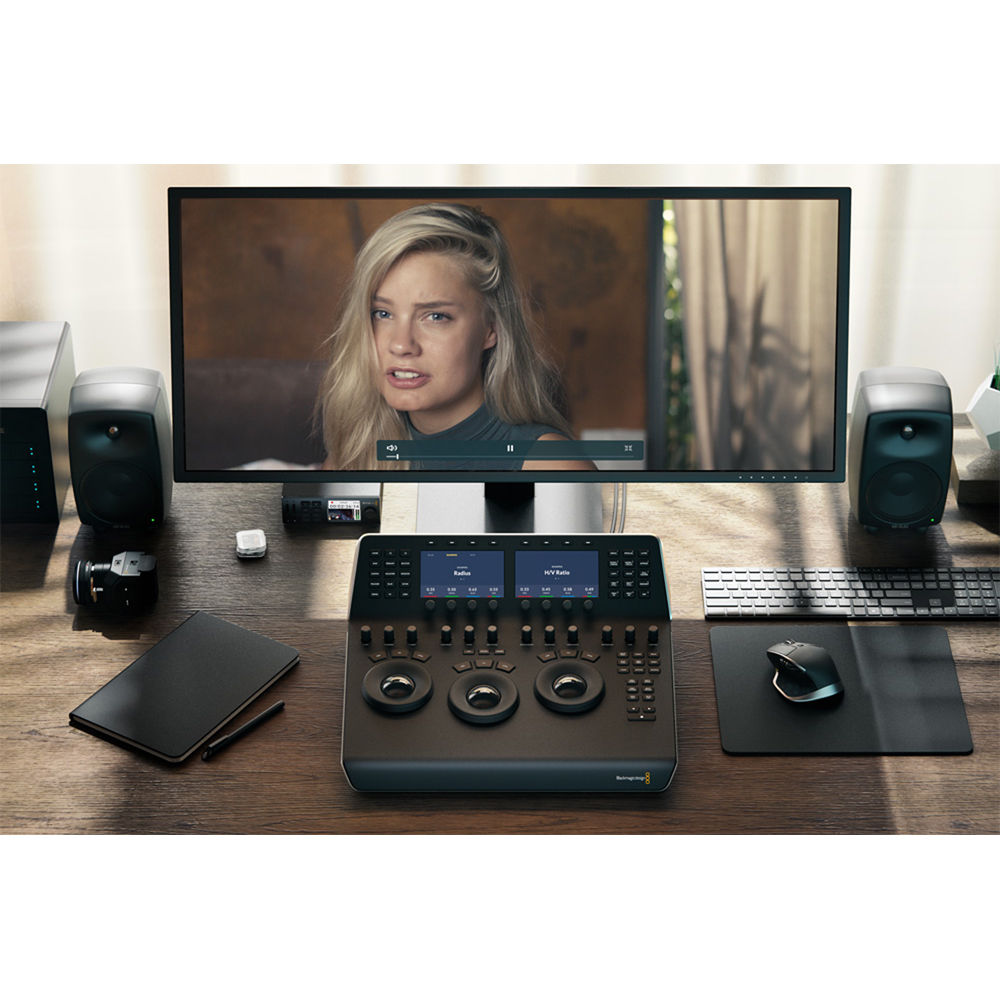
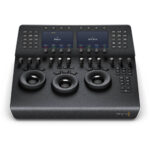
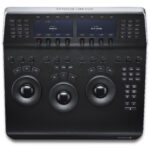
- 3 x High-Resolution Trackballs
- 12 x Primary Correction-Control Knobs
- 18 x Navigation and Transport Keys
- Dedicated Feature Buttons
- 2 x LCD Information Display Screens
- Backlit and Illuminated Buttons
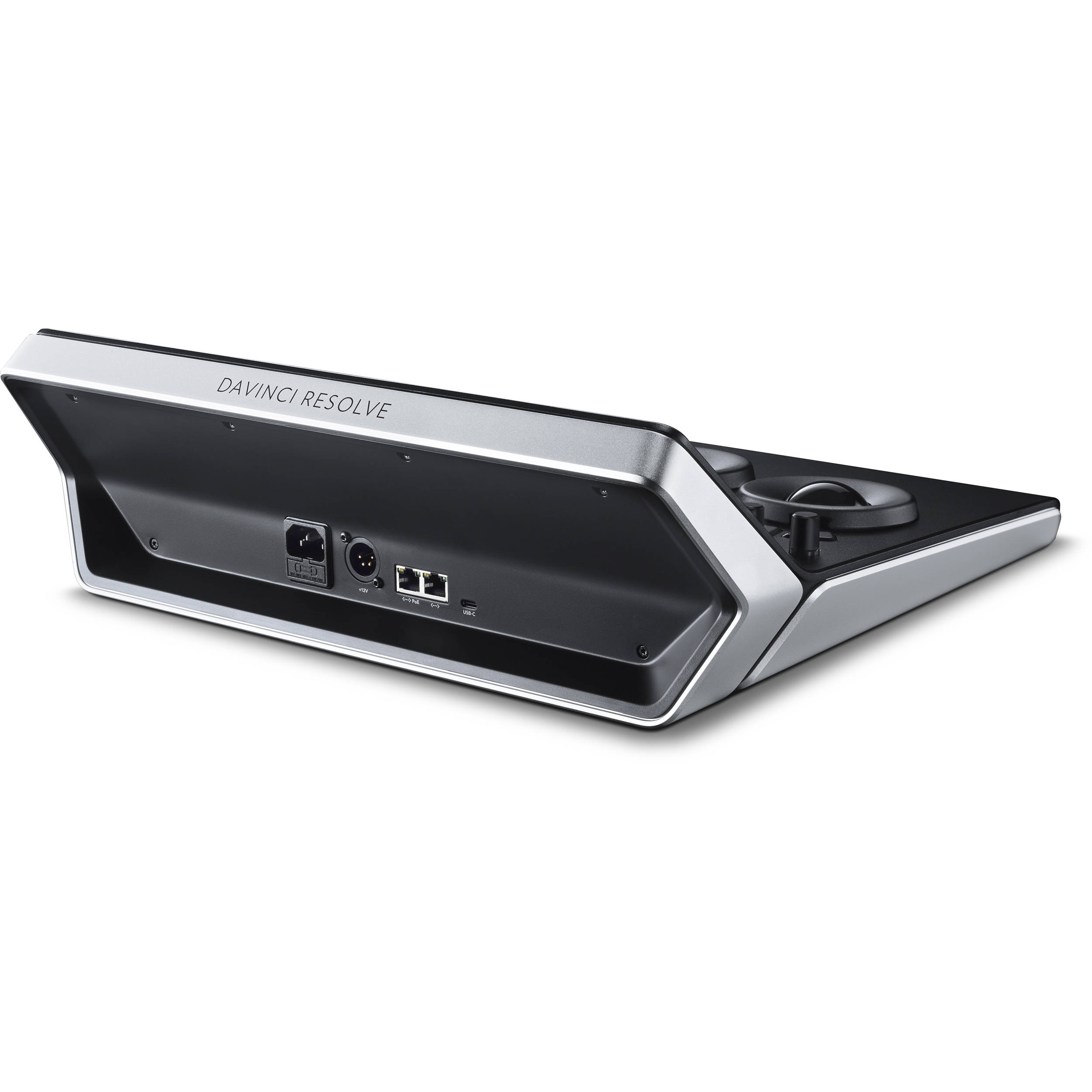
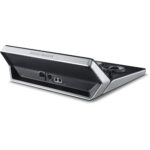
- USB-C and Ethernet Interface
- Supports Mac and Windows
- Supports Select Linux Installations
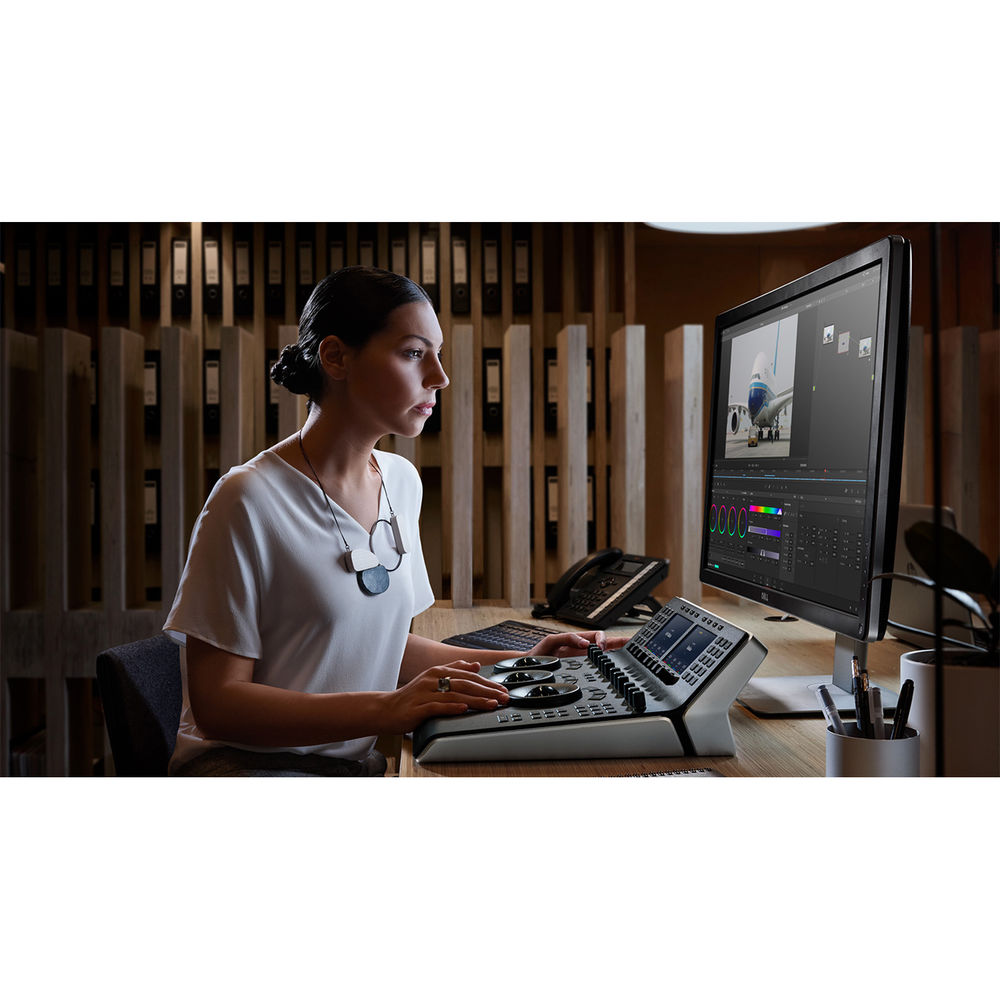
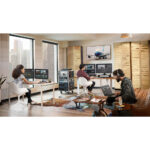
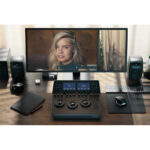
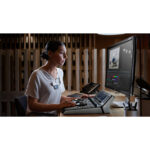
The DaVinci Resolve Mini Panel from Blackmagic Design is a step up in functionality from the Micro panel but without all the features of the Advanced panel, and it includes DaVinci Resolve Studio software. It is a portable control surface suitable for those that need to switch between editing and color grading. It can sit on your desktop or in a rack or can be bolted to a surface. As with the Micro panel, it features three high-resolution, weighted trackballs and 12 control knobs for accessing essential primary color-correction tools in the Resolve software. Eighteen dedicated keys on the right side also give you access to the most commonly used grading features and playback controls.
However, the Mini Panel also features two LCD screens that allow you to display menus or the parameters of the tools you are working with. Eight customizable soft knobs provide precise control and a quick reset by pushing the knob. Dedicated feature buttons allow you to change tools without needing to use the mouse. The Mini panel incorporates both USB-C and Ethernet interfaces. It is compatible with Mac, Windows, and select Linux systems. You can power the panel via an AC power source, a 4-pin XLR connector, or PoE. For the panel to work with Resolve, your computer must be running DaVinci Resolve 14.3 or DaVinci Resolve Studio 14.3 or later.
- Y Lift Control: Adjust the contrast of the image in the darker areas, specifically in the Y (luminance) channel only. This adjustment allows for changing the black point without changing saturation.
- Y Gamma Control: Adjust the contrast of the image in the mid-tone areas, specifically in the Y (luminance) channel only. This control helps add depth and extra vibrancy to shots.
- Y Gain: You can reduce hot spots or tweak the whites to define a look.
- Contrast Control: Increase contrast to make the blacks darker and the whites brighter, or decrease contrast to do the opposite.
- Pivot: Change the center of tonality about which dark and bright parts of the image are stretched or narrowed during a contrast adjustment.
- Mid-Tone Detail: Affect the contrast of regions of the image with high edge detail to increase or decrease the perception of image sharpness and definition. Often used for softening facial features, making it popular for beauty shots.
- Color Boost Control: Raise the saturation in regions of the image with low saturation while leaving properly saturated areas alone. Also known as a vibrance operation, this is useful for adding color without oversaturating the image.
- Shadow Control: Selectively lighten or darken shadow detail without affecting your image’s mid-tones.
- Highlight Control: Enable retrieving blown-out highlight detail in high dynamic range media by lowering this parameter. This allows you to achieve a smooth blend between the retrieved highlights and unadjusted mid-tones for a natural-looking image.
- Hue Control: Rotates all hues of the image around 360° of the color wheel. The default setting is 50, which retains the original distribution of hues.
- Luminance Mix Control: Controls the balance between the YRGB adjustments and Y-only adjustments made using the Y channel lift, gamma, and gain controls.
- macOS 11 Big Sur
- 8GB of system memory; 16GB when using Fusion
- Blackmagic Design Desktop Video version 12.0 or later
- Integrated GPU or discrete GPU with at least 2GB of VRAM
- GPU that supports Metal or OpenCL 1.2
- Windows 10 Creators Update
- 16GB of system memory; 32GB when using Fusion
- Blackmagic Design Desktop Video 10.4.1 or later
- Integrated GPU or discrete GPU with at least 2GB of VRAM
- GPU that supports OpenCL 1.2 or CUDA 11
- NVIDIA/AMD/Intel GPU Driver version–as required by your GPU
- CentOS 7.3
- 32GB of system memory
- Blackmagic Design Desktop Video 10.4.1 or later
- Discrete GPU with at least 2GB of VRAM
- GPU that supports OpenCL 1.2 or CUDA 11
- NVIDIA/AMD Driver version–as required by your GPU
| Weight | 10600 g |
|---|


MAECENAS IACULIS
Vestibulum curae torquent diam diam commodo parturient penatibus nunc dui adipiscing convallis bulum parturient suspendisse parturient a.Parturient in parturient scelerisque nibh lectus quam a natoque adipiscing a vestibulum hendrerit et pharetra fames nunc natoque dui.
ADIPISCING CONVALLIS BULUM
- Vestibulum penatibus nunc dui adipiscing convallis bulum parturient suspendisse.
- Abitur parturient praesent lectus quam a natoque adipiscing a vestibulum hendre.
- Diam parturient dictumst parturient scelerisque nibh lectus.
Scelerisque adipiscing bibendum sem vestibulum et in a a a purus lectus faucibus lobortis tincidunt purus lectus nisl class eros.Condimentum a et ullamcorper dictumst mus et tristique elementum nam inceptos hac parturient scelerisque vestibulum amet elit ut volutpat.
Related products



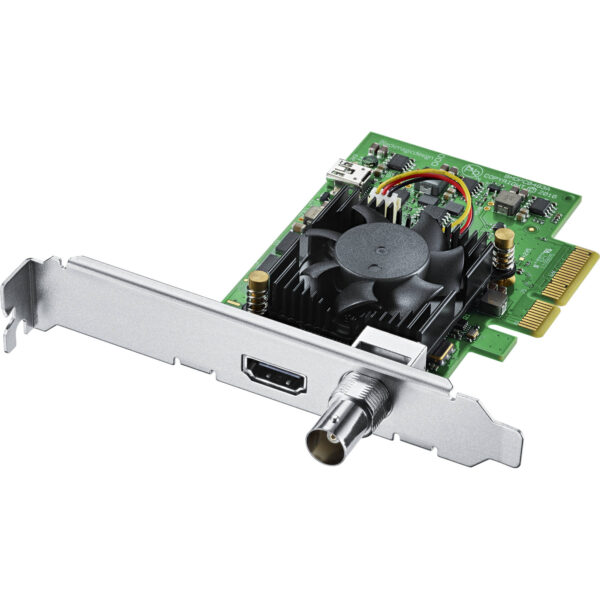

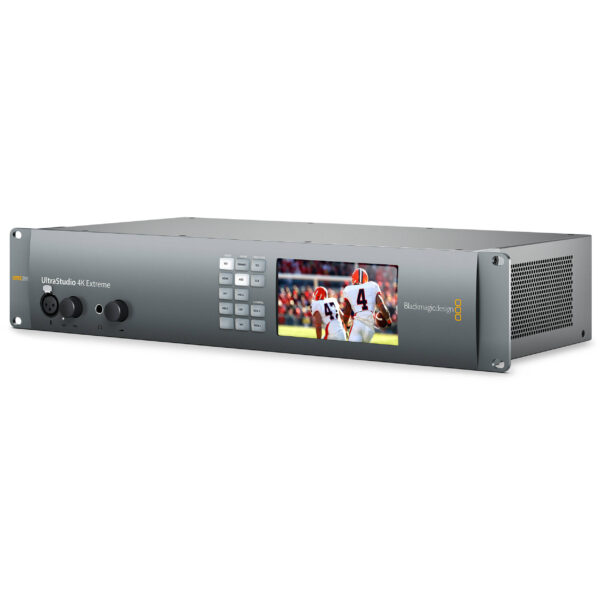
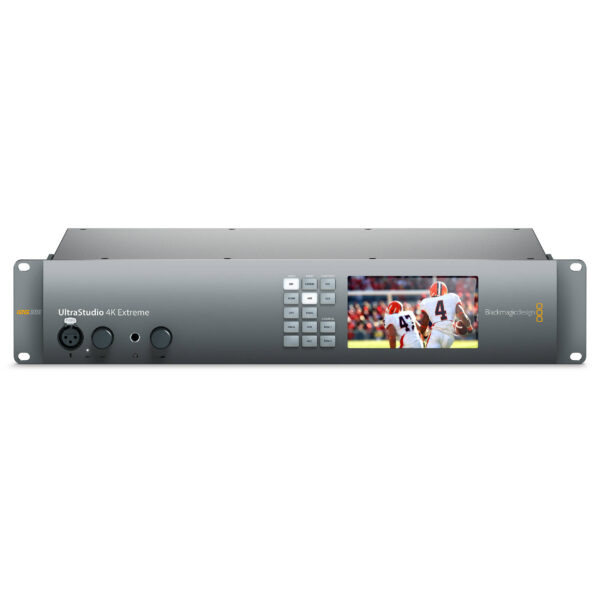
Blackmagic Design BDLKULSR4KEXTR3 UltraStudio 4K Extreme 3
- 40 Gbps Thunderbolt 3 & PCIe I/O
- Advanced 4K 60p RGB/Stereoscopic Ingest
- 12G-SDI, HDMI 2.0, Analog Connections
- 4-Ch XLR and 2-Ch AES/EBU Audio
- Reference, Timecode, RS-422 Ports
- 4:4:4 Sampling
- Real-Time H.265 Encoding
- LCD Preview Screen
- Wide Mac/Windows Software Compatibility
- 2 RU Form Factor; Dual Built-In PSUs
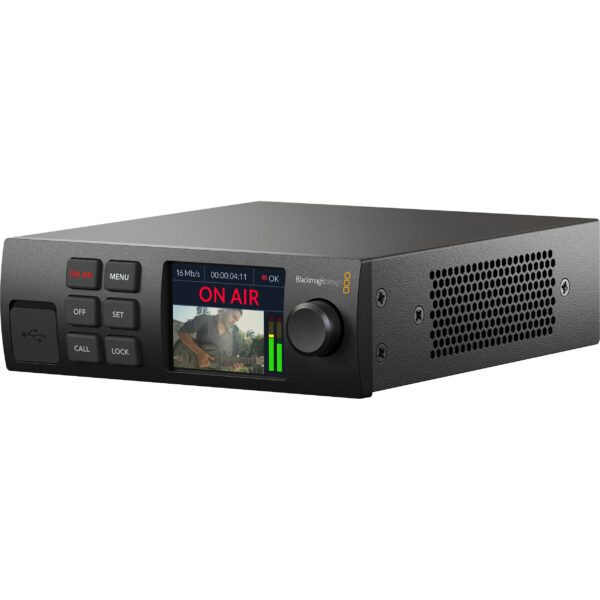
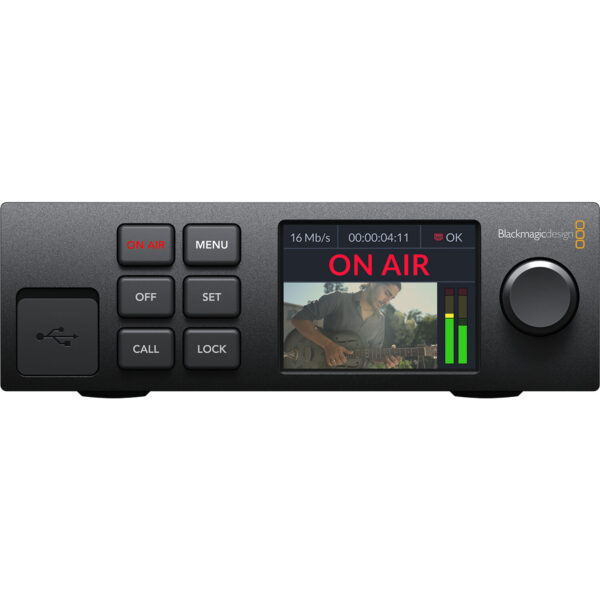
Blackmagic Design BDLKWEBPTRPRO Web Presenter HD
- Live Stream SDI Video Source to Internet
- Input 12G/6G/3G-SDI Video up to UHD 4K
- SDI/HDMI Monitor Output up to 1080p60
- Supports H.264/RTMP & SRT Streaming
- Use USB Type-C as Webcam or 5G/4G Tether
- SDI Loop Output, 10/100/1000 Ethernet
- Redundant AC and DC Power Inputs
- Mac, Win, Linux & Chromebook Compatible
- Works with ATEM Streaming Bridge Option






Reviews
There are no reviews yet.